

How thermostat affects energy use
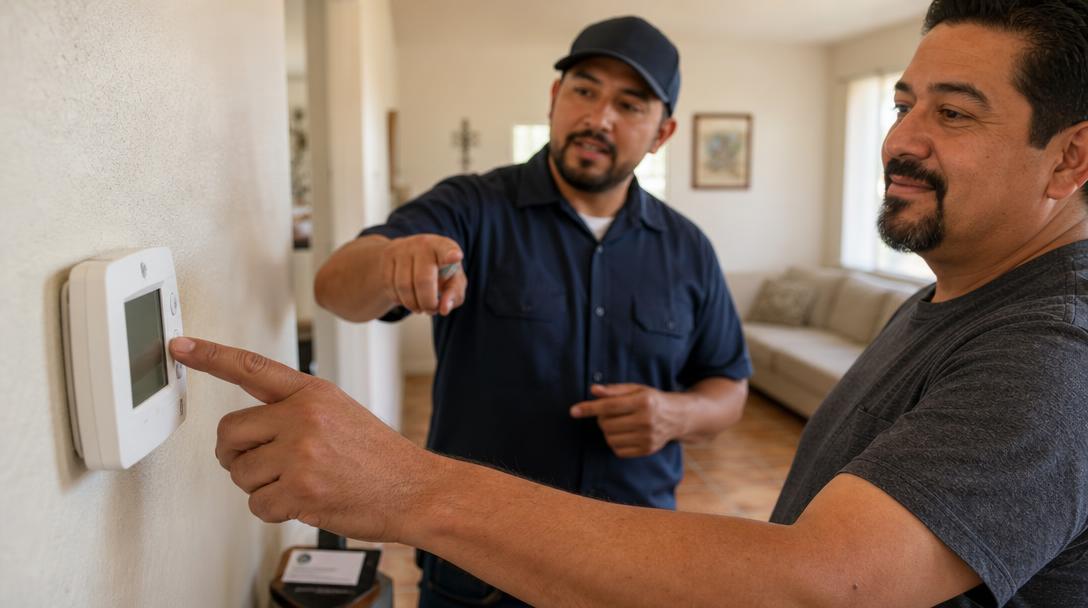
Introduction — Why your thermostat matters in El Paso
Between triple‑digit afternoons and big day‑to‑night swings, El Paso’s climate makes your thermostat more than a wall decoration — it’s the steering wheel for your energy use and comfort. Small choices in setpoints, schedules, and where that device sits on the wall can change how long your AC or heater runs. In this guide, you’ll get practical, low‑effort tips busy homeowners and small‑business owners can use today, plus clear signs it’s time to bring in a pro.
Want more quick, local HVAC tips? Explore our blog.
How thermostats affect HVAC energy use (plain‑language physics)
Your thermostat doesn’t create heating or cooling — it tells your system when to start and stop. Energy use mainly comes down to run‑time:
- The bigger the difference between your indoor setpoint and the outdoor temperature, the harder (and longer) your system works to hold that line.
- Lowering the setpoint for cooling or raising it for heating narrows that difference and usually reduces run‑time.
- Short, frequent cycles can waste energy and wear equipment; steady, appropriately long cycles usually perform better.
In short: setpoints and schedules influence how long your compressor, furnace, or heat pump runs — and that run‑time drives your bill.
For help aligning thermostat choices with your overall system, see our residential HVAC services.
Thermostat types and their real impact (manual, programmable, smart)
- Manual thermostats: You adjust them yourself. They’re simple, but savings depend on how consistently you change settings.
- Programmable thermostats: You set a schedule (work hours, sleep, weekends). They reduce wasted run‑time by automatically using more efficient setpoints when you don’t need full comfort.
- Smart thermostats: Add learning, geofencing, and app control. They can trim waste by adapting to your routine and notifying you about unusual run‑time or filter issues.
Actual savings vary by home, equipment, and habits. If you already manage setpoints diligently, upgrades may offer convenience more than big savings; if you forget to adjust settings, automation can help prevent unnecessary run‑time.
Considering system updates at the same time? Explore professional AC installation in El Paso and our broader residential HVAC services.
Practical thermostat settings & scheduling strategies (summer and winter) — guidance, not guarantees
Every building and family is different, but these low‑effort patterns work well for many El Paso homes and small businesses:
- Summer (cooling): Use the highest setpoint you find comfortable when you’re home. When you’re away or asleep, bump the setpoint up modestly to reduce run‑time. Start with small changes and increase if comfort holds.
- Winter (heating): Use the lowest comfortable setpoint when you’re home. When you’re away or asleep, reduce the setpoint slightly to cut heating run‑time.
- Ramps vs. big jumps: If comfort suffers after a large change, try smaller steps or start the change earlier so the space reaches your preferred temperature by the time you need it.
- People first: Always consider infants, older adults, pets, and anyone with health conditions. Comfort and safety come before aggressive energy targets.
If you’re unsure where to start, use your current comfortable setpoint as “home,” then test small, timed adjustments for away/sleep periods. Fine‑tune based on how your space actually feels.
For heating equipment questions or tuning your winter strategy, see our heating services.
Heat pumps vs. furnaces/central AC — special considerations
- Heat pumps: Large setbacks can sometimes trigger auxiliary/backup heat when recovering, which can increase energy use. Many heat‑pump owners do best with small setbacks or even holding a steady temperature during cold snaps.
- Furnaces and central AC: Modest setbacks generally reduce run‑time and can be more forgiving. If the system short‑cycles or struggles to recover, reduce the size of the setback.
When in doubt, make changes gradually and observe how your system behaves. If you see unusually long recovery times, frequent cycling, or higher bills, it’s worth a professional look.
Get tailored help for your heating setup here: Heating services.
Thermostat placement, calibration, and wiring — invisible problems that raise bills
Even perfect settings can waste energy if the thermostat is “reading” the wrong room conditions.
- Poor placement: Direct sun, lamps, electronics, exterior walls, drafts (near supply vents or doorways), or kitchens can skew readings and force extra run‑time.
- Wall cavity drafts: Air moving behind the thermostat plate can fool its sensor. A simple foam gasket or proper mounting can help.
- Calibration and sensors: Aging or faulty sensors read too high or too low, making the system overshoot.
- Power and wiring: Weak batteries, loose connections, or missing common (C‑wire) can cause erratic behavior, short‑cycling, or dropped Wi‑Fi on smart models.
Simple checks you can do now:
- Replace batteries (if your thermostat uses them).
- Make sure nearby heat sources or sun aren’t hitting the device.
- Gently dust vents and the thermostat; clogged filters and airflow issues can cause odd cycling.
If the thermostat still seems inaccurate or the system won’t behave, that’s a good moment to contact a professional. For cooling‑related troubleshooting, visit our AC repair page; for system upgrades, see AC installation.
Fan modes, cycling, and humidity considerations
- Fan “Auto”: The fan runs only during heating/cooling calls. This is typically the most energy‑efficient setting and limits unnecessary recirculation.
- Fan “On”: The fan runs continuously. This can even out temperatures between rooms and help with stale areas, but it uses more electricity and, in some situations, can move warm or dry air in ways that reduce comfort.
El Paso is generally dry, though certain weeks can feel humid. If the air feels clammy or the system seems to run without reaching comfort, switch back to Auto and reassess setpoints and filters.
When to call Empire Refrigeration (and what to expect)
Call in a pro if you notice:
- Frequent short‑cycling (system turns on and off rapidly)
- Big temperature swings or rooms that never reach the setpoint
- An unresponsive or blank thermostat, even after fresh batteries
- Tripped breakers or suspected wiring issues
- A system that runs constantly without improving comfort
Empire Refrigeration serves El Paso, Texas and surrounding areas with AC installation, AC repair, heating services, commercial HVAC, refrigeration systems, and preventive maintenance. If your thermostat symptoms point to a deeper equipment issue, our team can evaluate your system and recommend next steps.
- Schedule service or ask a question: Contact Empire Refrigeration
- Explore cooling help: AC repair | AC installation
- Considering an equipment upgrade? See available financing options.
Prefer to talk to a person? Call +19157870747 or email contact@weneedair.com.
Small steps you can take today (quick checklist)
- Replace thermostat batteries (if applicable).
- Set fan to Auto unless you have a specific need for continuous circulation.
- Enable a basic schedule: small setbacks for away/sleep periods; adjust in small increments until comfort holds.
- Keep the thermostat away from direct sun, electronics, lamps, and drafts.
- Change or clean HVAC filters; restricted airflow increases run‑time.
- Watch for short‑cycling; if it starts after a setting change, undo the last change and monitor.
- If you use a smart thermostat, review alerts and usage reports for clues about unusual run‑time.
For more how‑tos and local advice, visit our blog and our overview of residential HVAC services.
Conclusion & next steps (local help)
Smarter thermostat choices can cut wasted run‑time, protect your HVAC equipment, and keep you comfortable through El Paso’s heat and temperature swings. Start with small, steady adjustments, place the thermostat wisely, and let scheduling do the routine work. Always prioritize the comfort and safety of vulnerable occupants.
If thermostat issues suggest a system problem — or you’re considering an upgrade — Empire Refrigeration has served the area since 2011 and offers AC installation, AC repair, heating services, commercial HVAC, refrigeration systems, and preventive maintenance in El Paso and surrounding areas. For new installs, there’s a 2 Year Labor Guarantee, and service parts include a 10 Year Warranty.
- Get in touch: Contact page
- Call: +19157870747
- Email: contact@weneedair.com
- Learn about financing for HVAC upgrades
A quick conversation can help you decide whether a small thermostat tweak will do the trick or if your system needs a closer look.